How to load wallet from your Cooperative Account?
Nov. 22, 2022
- load wallet mobile banking
- Digital Wallet
- Load Wallet through your Cooperative Account
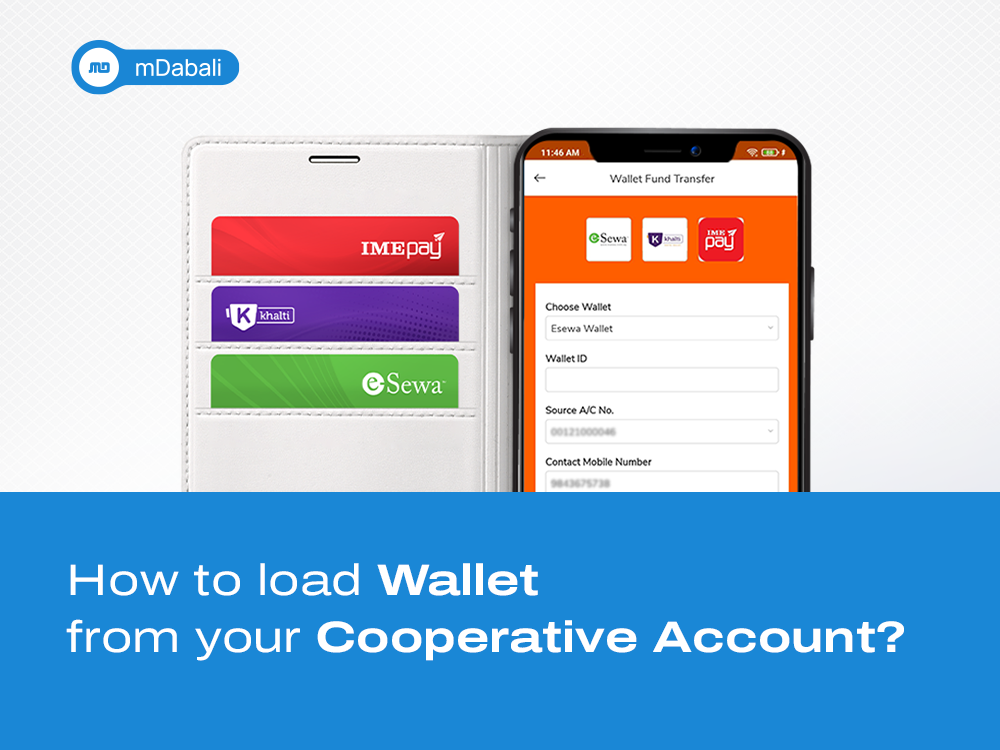
Do you want to load your Digital Wallet with your Cooperative Account?
Using the mDabali Mobile Banking Platform, you can do it within a few taps! You won’t need to visit any physical counters or stand in line to load your desired wallets. With mDabali, you can now load your digital wallet easily, safely, and reliably.
You can download your respective Cooperative Smart App here.
Here’s how to load Digital Wallet from your Cooperative Account:
- GO to “View All” option in “Popular Services”.
- Search for “Load Wallet” icon and click on it.
- Select your desired wallet and insert your Wallet ID.
- Enter the amount, and remarks.
- Select the account number from which you want to transfer the fund.
- Click on Transfer, then use your PIN No/Fingerprint/Face ID to make payment.
Wallets available on mDabali:
- Khalti
- eSewa
- IME Pay
Benefits of Loading Digital Wallet from your Cooperative Account:
- Round the Clock Service, Available Anytime-Anywhere 24/7
- Time-Saving, Fast and Efficient
- Completed with just a few clicks!
- Safe and Secure process
To view other services of mDabali. Click here.