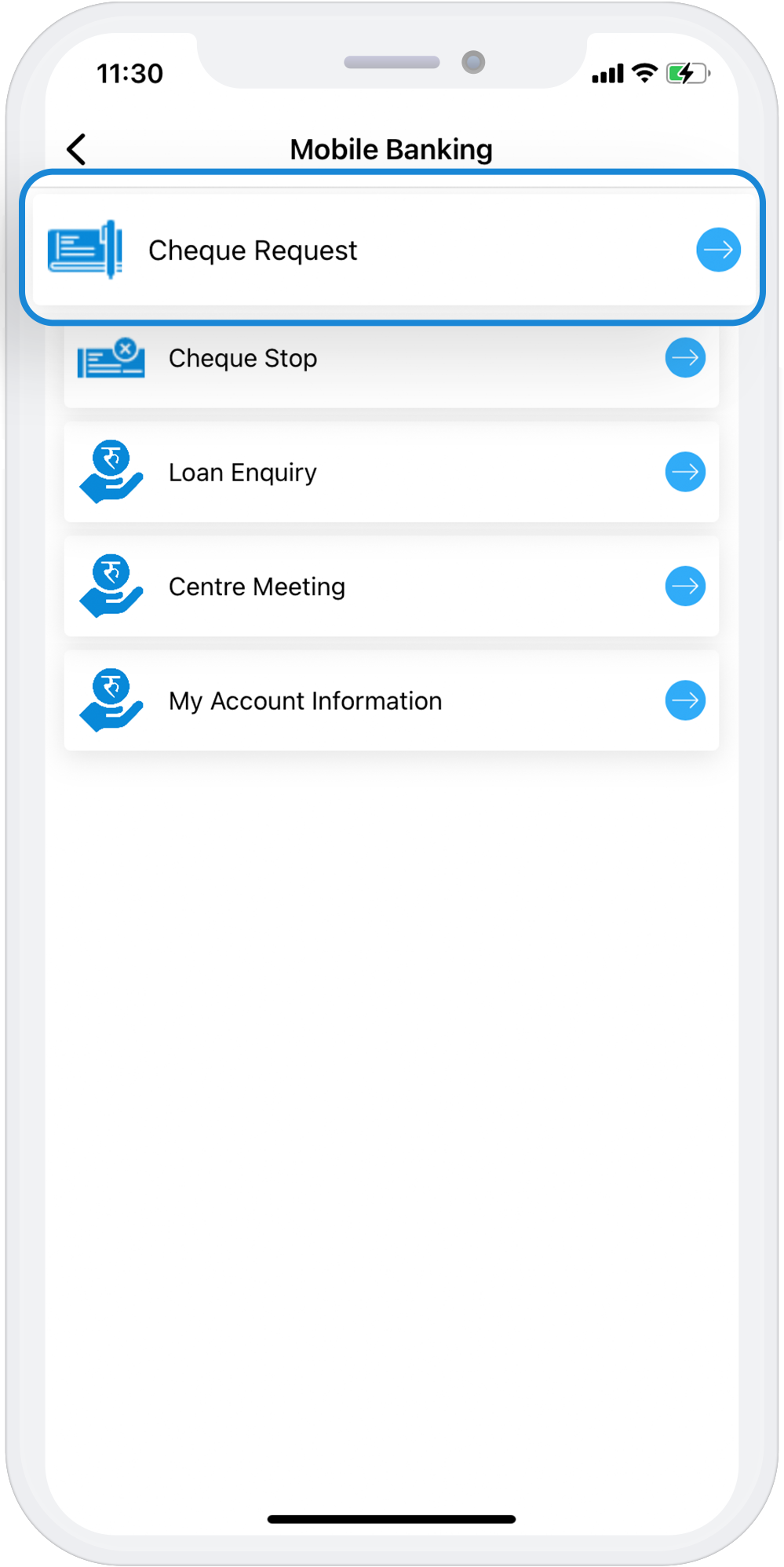
Cheque Request
Now, the members of Cooperatives and Microfinance don’t need to visit their banks to request for a new cheque book.The cheque request feature allows the account holders to request cheque books online. This feature is available only for those accounts for which cheque book facility is enabled.
While requesting for cheque book, the user can specify their preferences such as number of leaves, number of cheque books etc. Users can specify the number of cheque books required, leaves per cheque book and cheque book type while initiating a cheque book request. The user can specify his preference of cheque book while submitting the request.
Download AppSteps to Request for Cheque Online using mDabali
1
Open mDabali app
2
Select “Other Services” from home page
3
Select Cheque Request
4
Select Access Code and use your PIN No/Fingerprint/Face ID
5
Select Confirm button