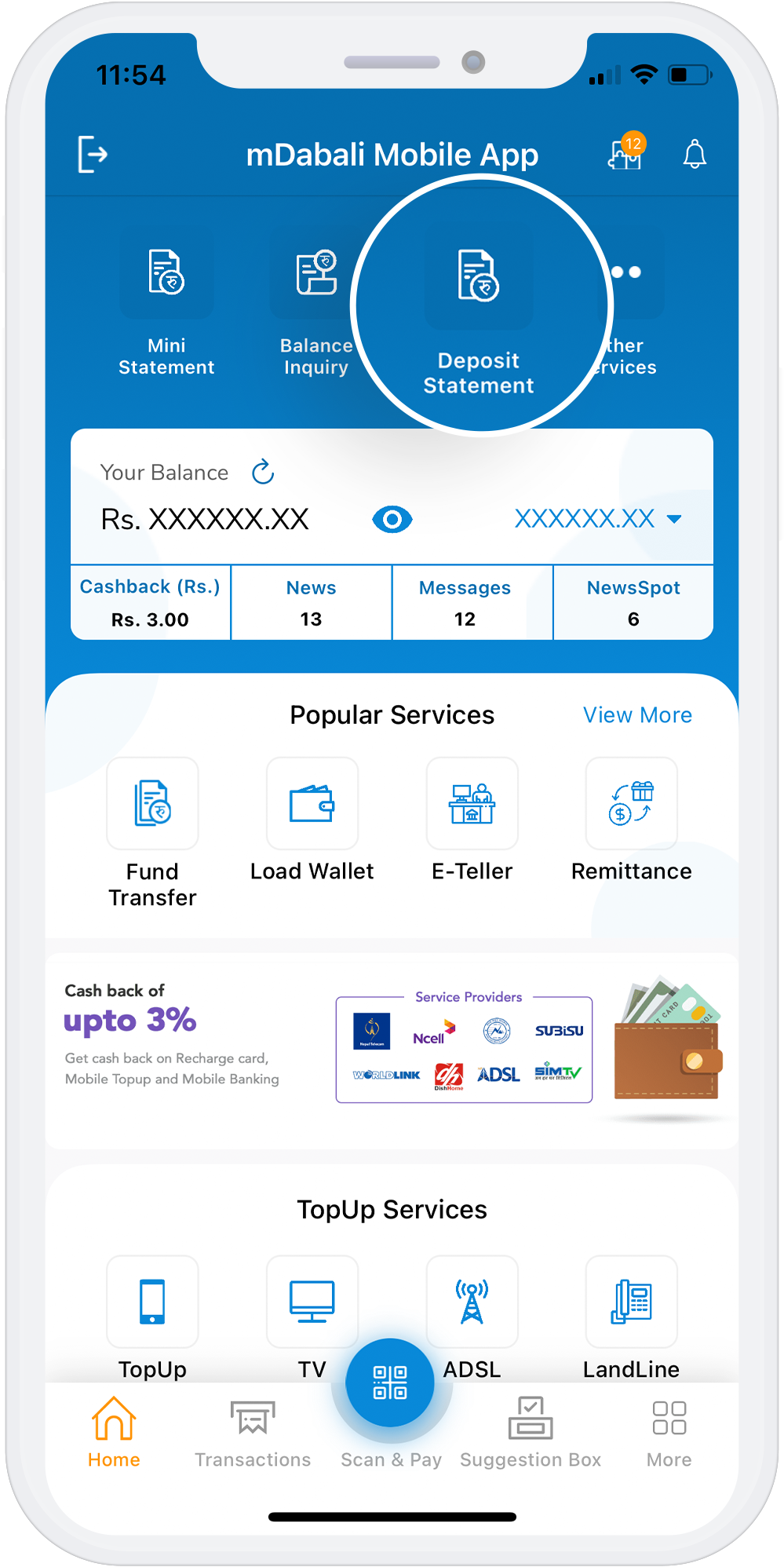
Deposit Statement
With the mDabali mobile banking platform, customers of Cooperatives and Microfinance can view their deposit activities. The deposit statement contains bank account information, such as account numbers and a detailed list of deposits. Users can select the time frame for which they want to view their deposit activity.
Download App
Steps to Deposit Statement using mDabali
1
Open mDabali app
2
Select “Deposit Statement” from home page
3
Select your “Deposit Account” and use your PIN No/Fingerprint/Face ID
4
Select Confirm button