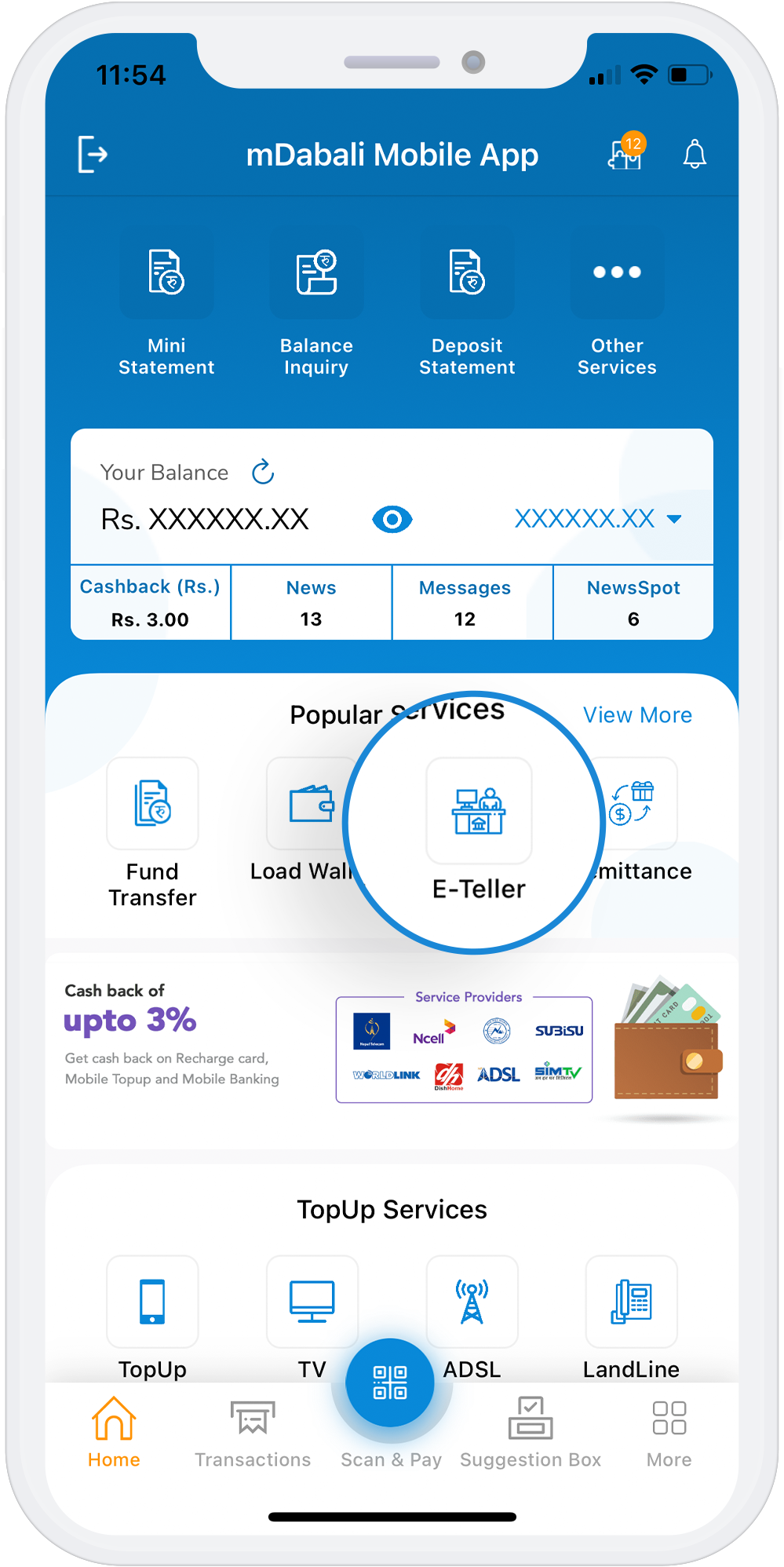
e-Teller
The e-teller service provides the services provided by a teller in the bank but without the need to visit the teller department. With the e-teller service, customers can deposit/withdraw money from their account without using a cheque. They’ll just need to log in to the mDabali app and scan the QR code at the counter to deposit/withdraw the required amount of money.
Download AppSteps to Withdraw/Deposit Money Using e-Teller
1
Tap on the “Scan & Pay” button available at the bottom center of the homepage
2
Select “e-Teller QR Scanner”
3
Scan the QR placed at the teller counter of your cooperative/microfinance
4
Select the transaction you want to make: deposit or withdraw.
5
Enter the required amount, source of fund and account number. Upload the required documents, if required.
6
Enter your PIN No to complete your transaction.